
Invite DopeTech to Your Apple Developer Account
Go to https://appstoreconnect.apple.com and sign into the Apple Developer Account.
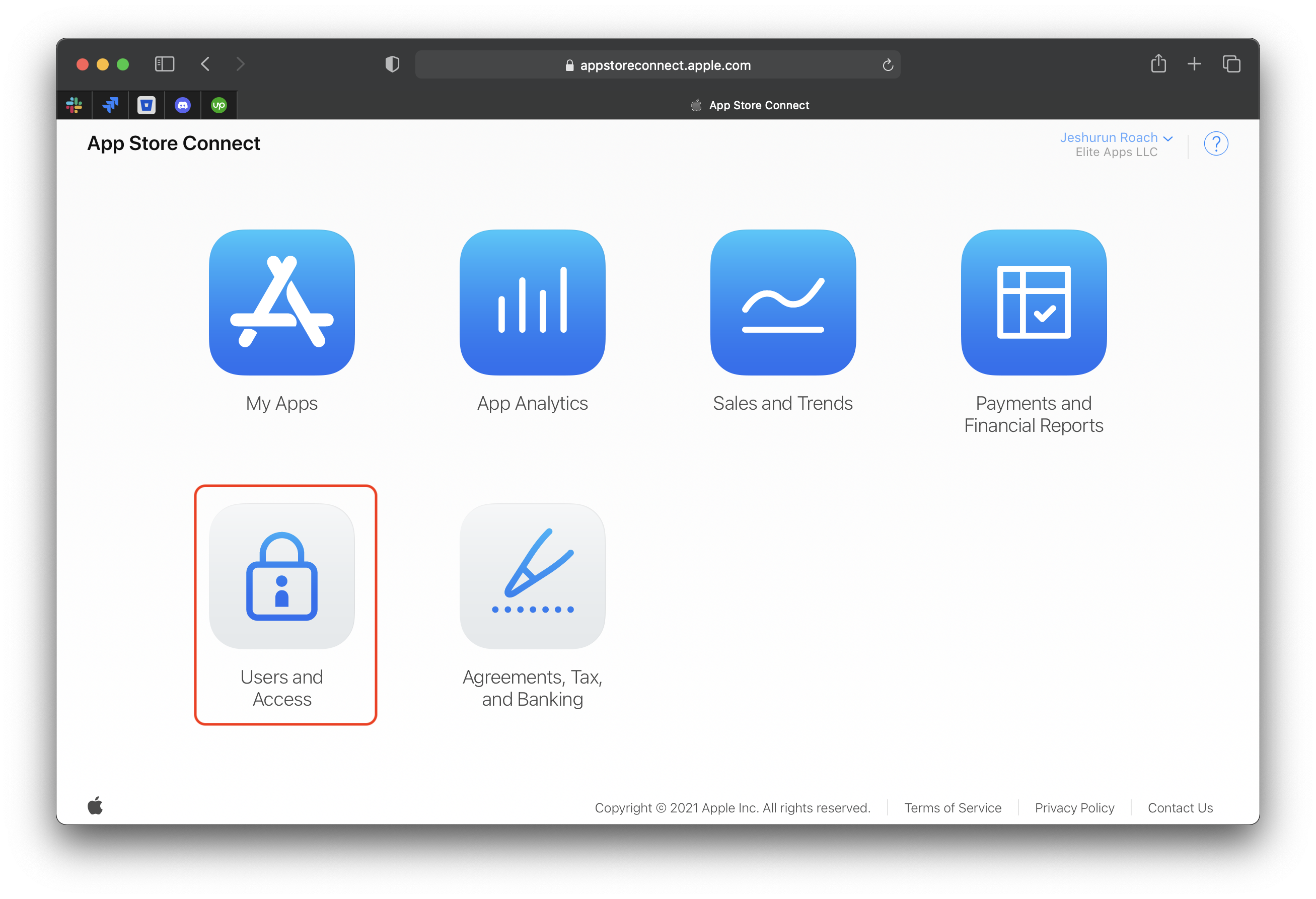
Navigate to "Users and Access" section.
Click the + button to add a new user.
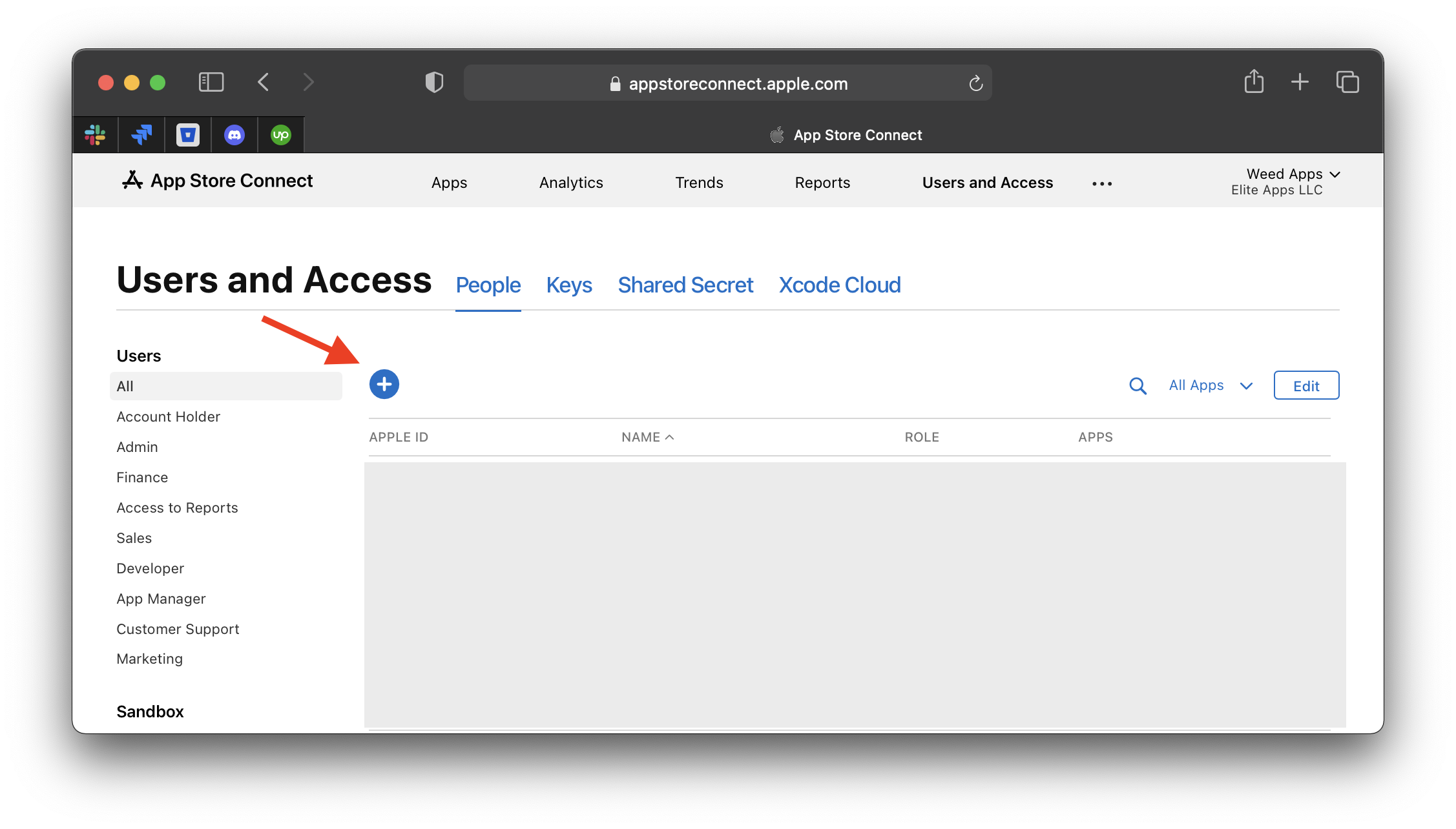
Fill out the form with the following information:
First Name:
DopeLast Name:
TechEmail:
[email protected]Roles:
AdminApps:
All AppsClick the blue "Invite" bottom at the bottom of the page.
Click on the link below to continue to the next step:
Was this helpful?
Still need help?
Our support team is here for you.