
Create your Google Developer Account
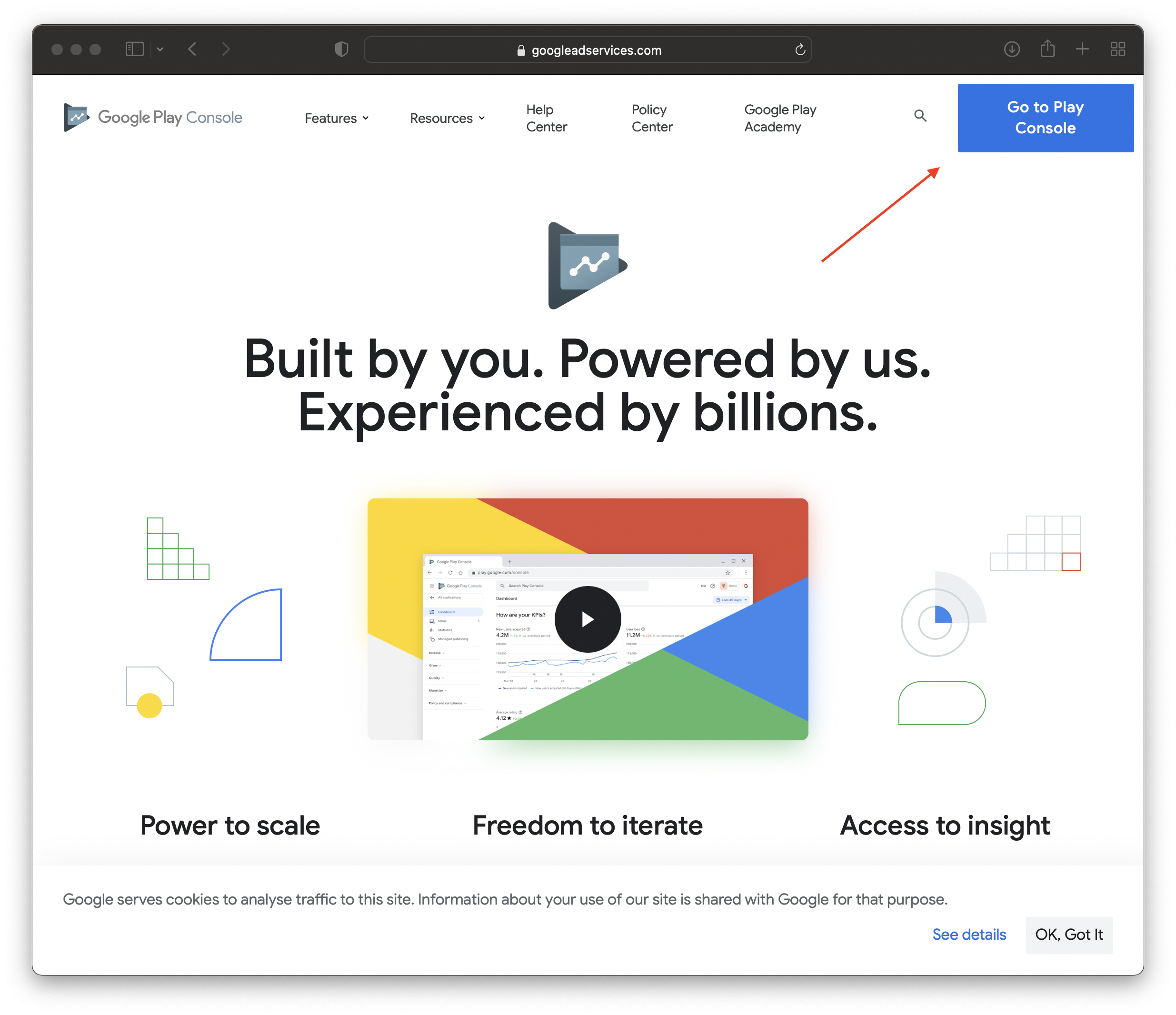
- Go to https://play.google.com/console/about/ and navigate to the “Go To Play Console” Section at the top right of the page.
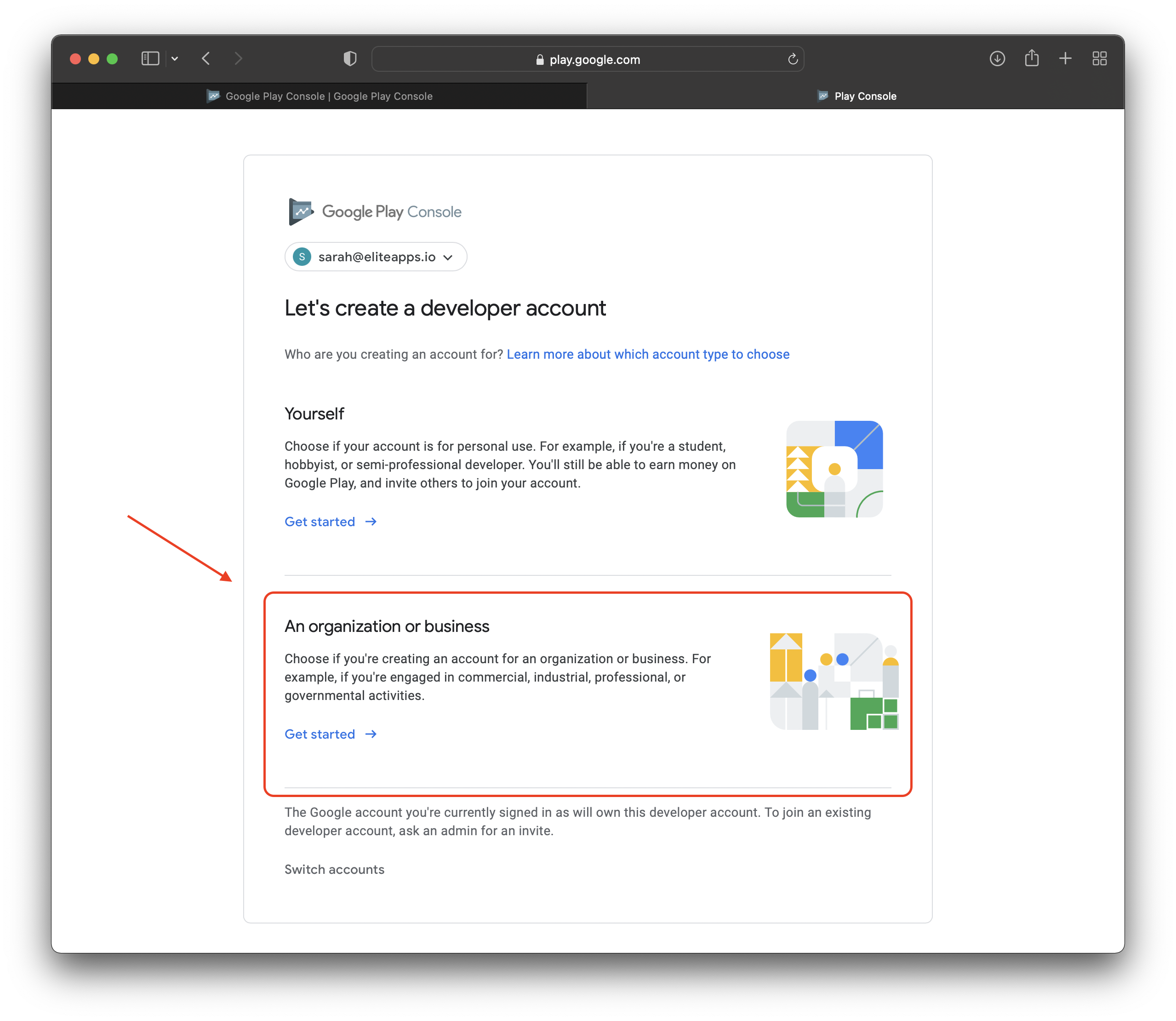
- Select “An Organization or Business”
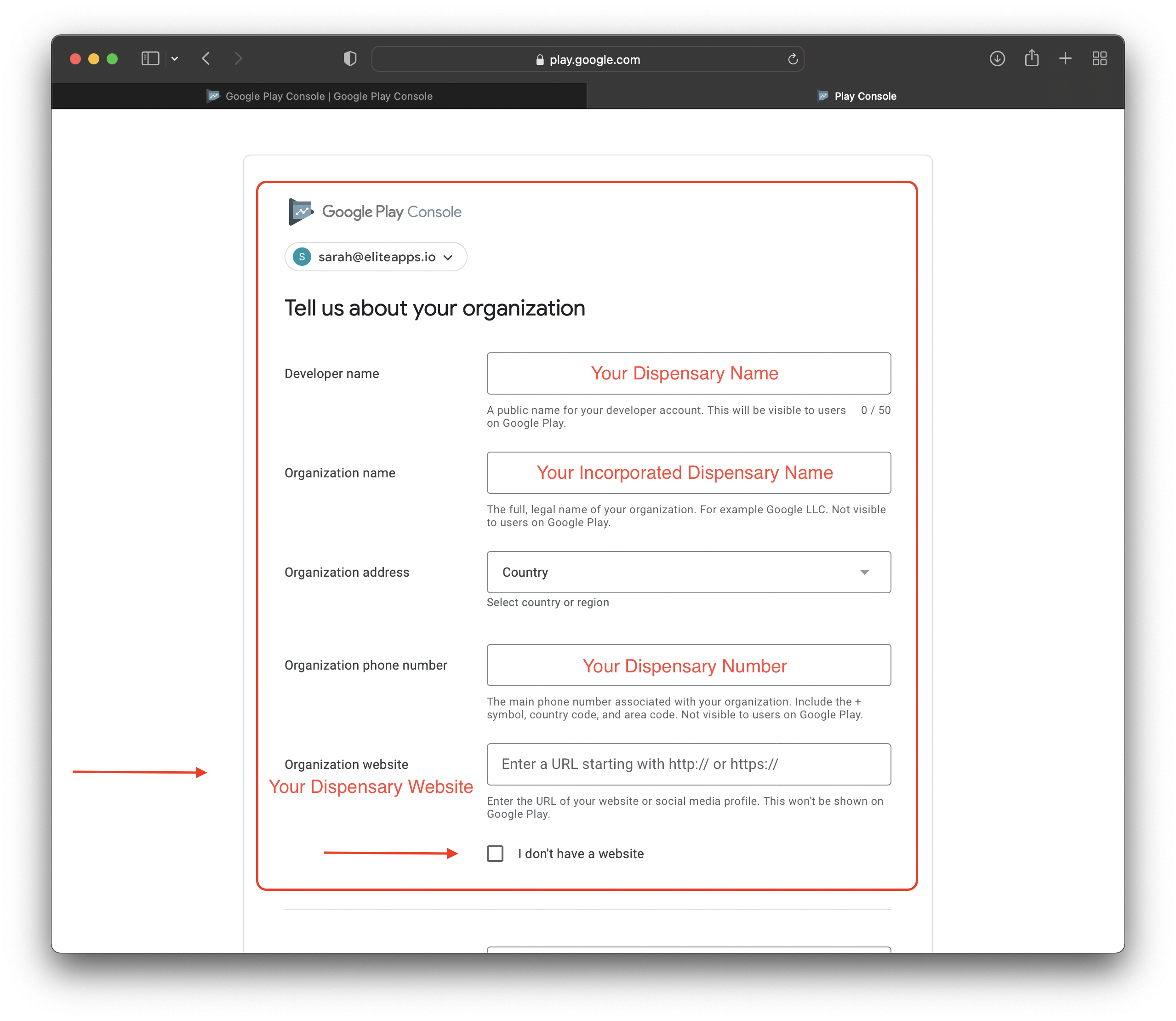
- Fill Out The Form With The Following Information In The Photo Below:
- Make sure to add “http://” or “https://” before typing your website otherwise it won't get approved
- Fill out the contact information based on who you want to be in charge of the App Management. Either a Project Manager or you.
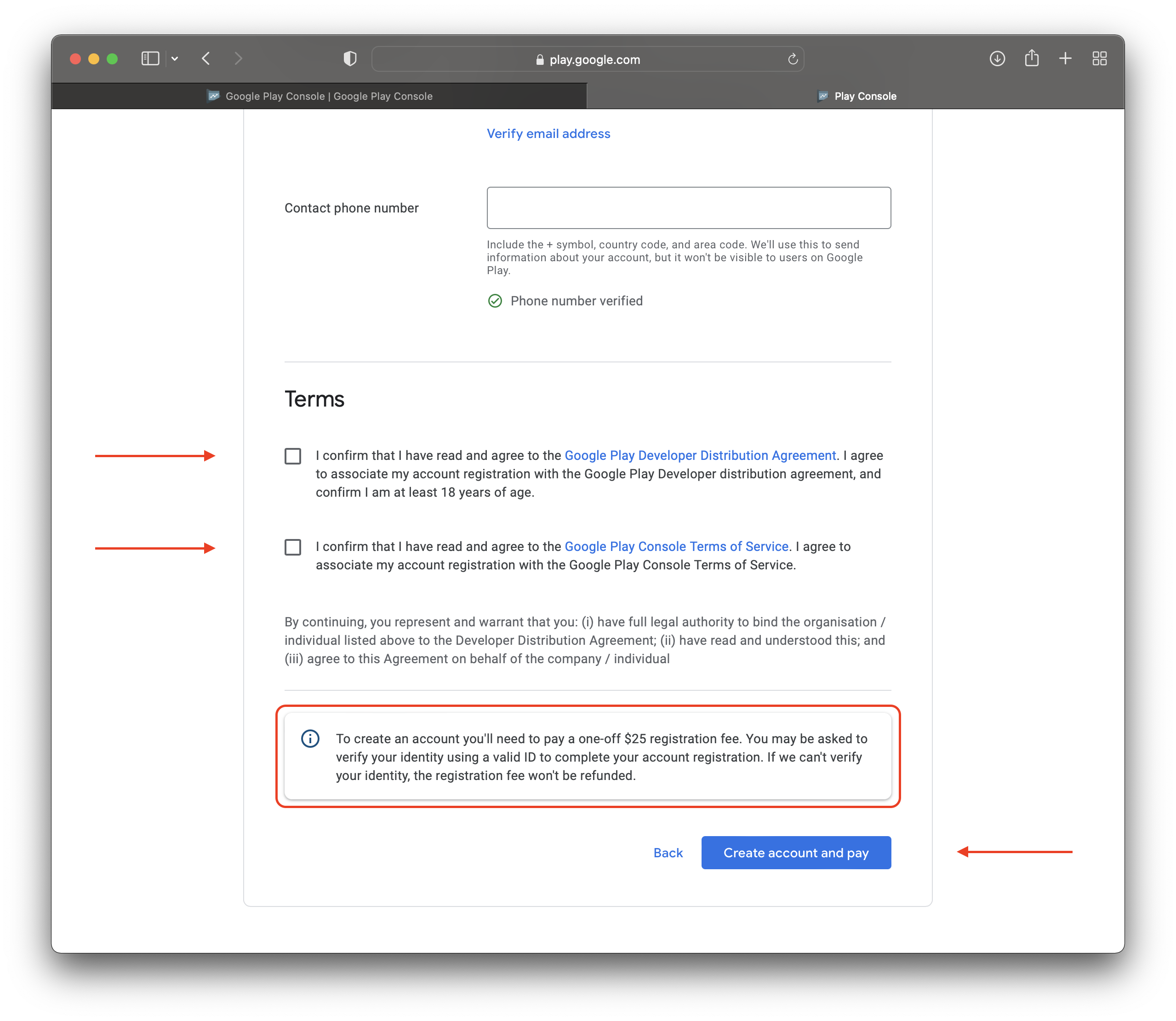
- Make sure to hit the “Verify” button under the Email Section and the Contact Phone Section
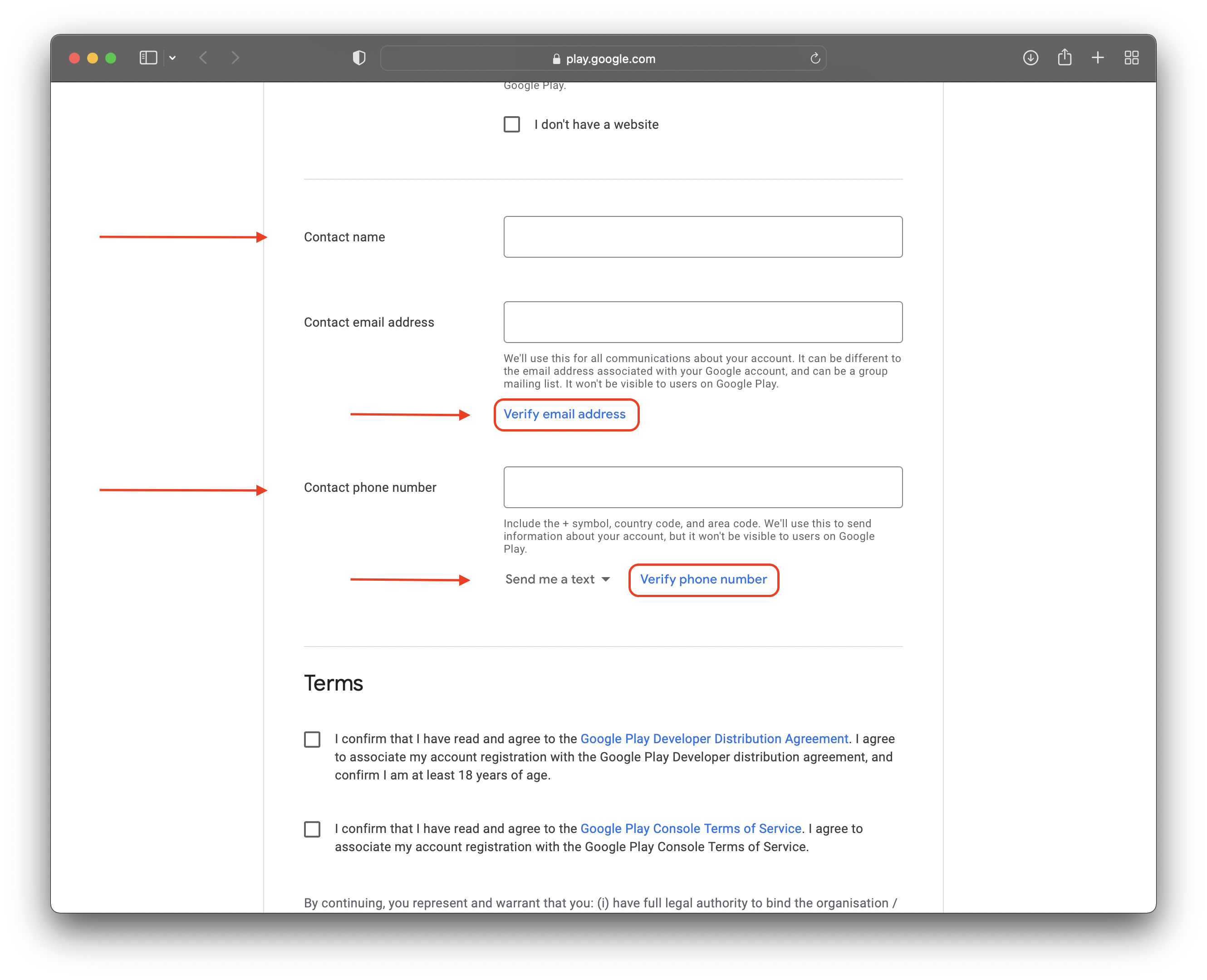
- Click both boxes to confirm the Google Play Store Terms and Conditions
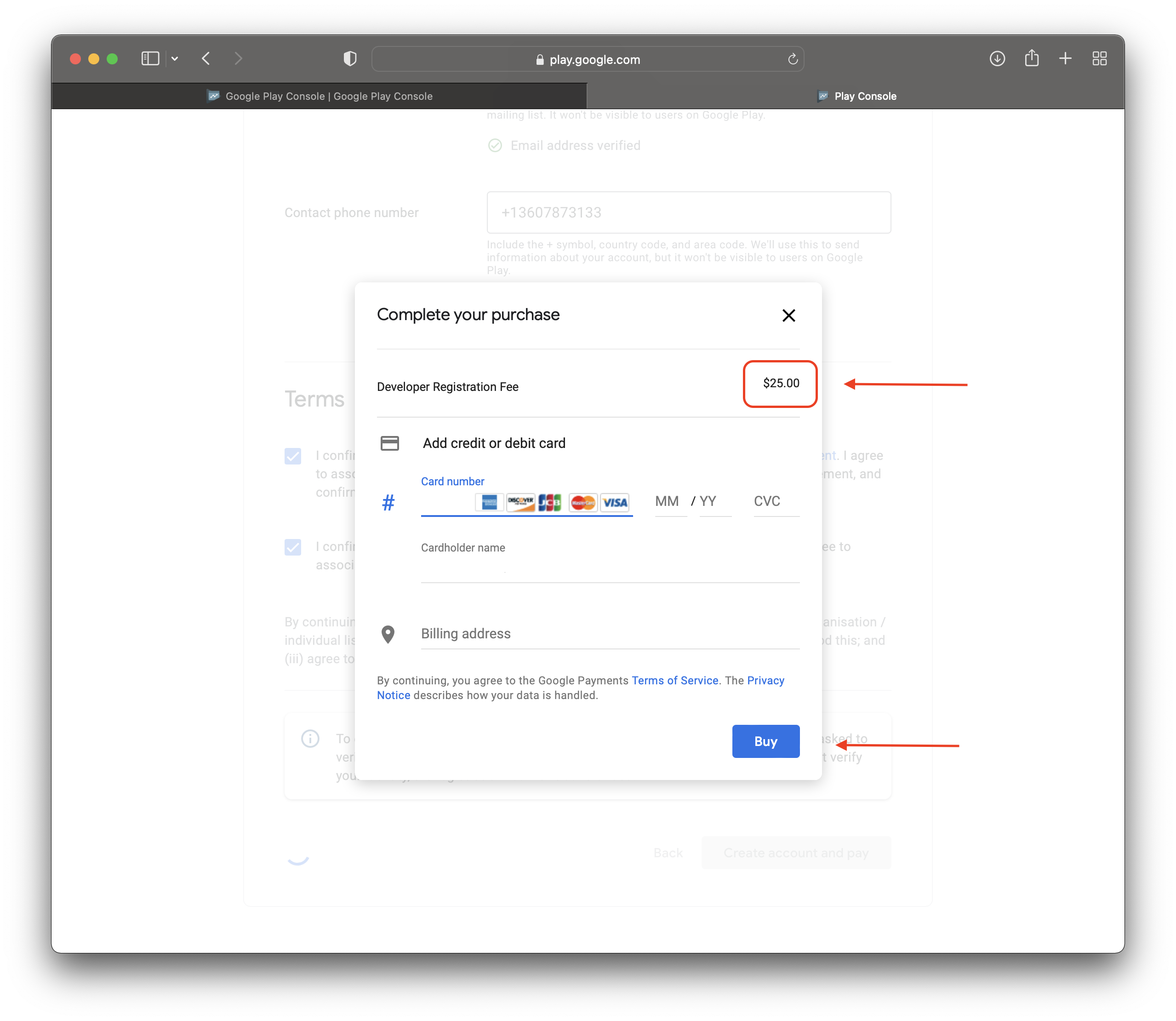
- This is a one-time fee, make sure all information is correct before continuing the payment process
- Complete the registration process and wait for the approval!
- Update us when you get approved!
Was this helpful?
Still need help?
Our support team is here for you.